Your brand on every slide
Set your logo, colors and font once. Every deck comes out on brand, for everyone on the team.
Works where you already work
 PowerPoint
 Google Slides
 Keynote
The AI presentation maker inside Claude and ChatGPT. Ask for a deck and get it in your brand, built from 905 designed slides, as a real PowerPoint or Google Slides file.
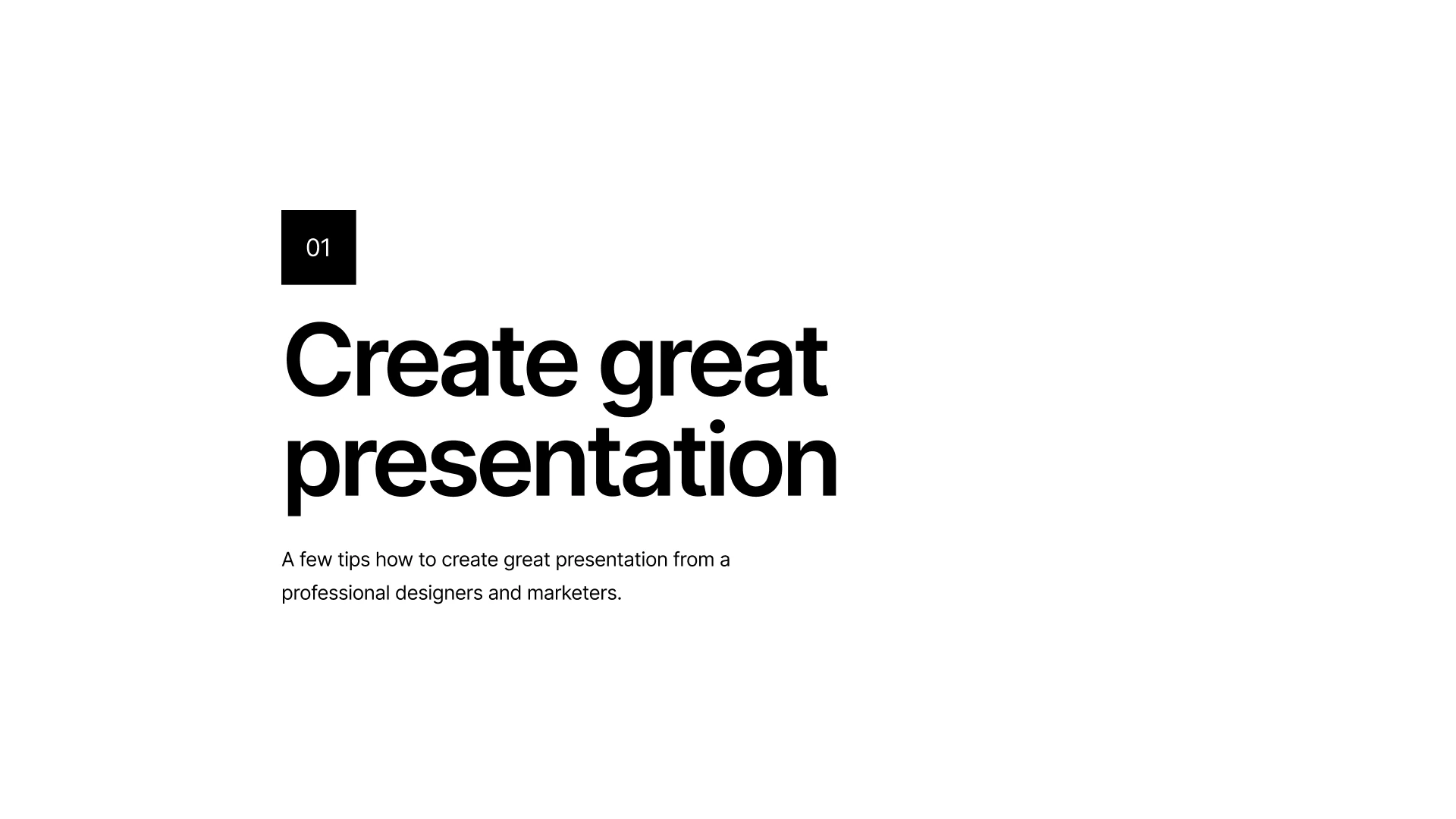
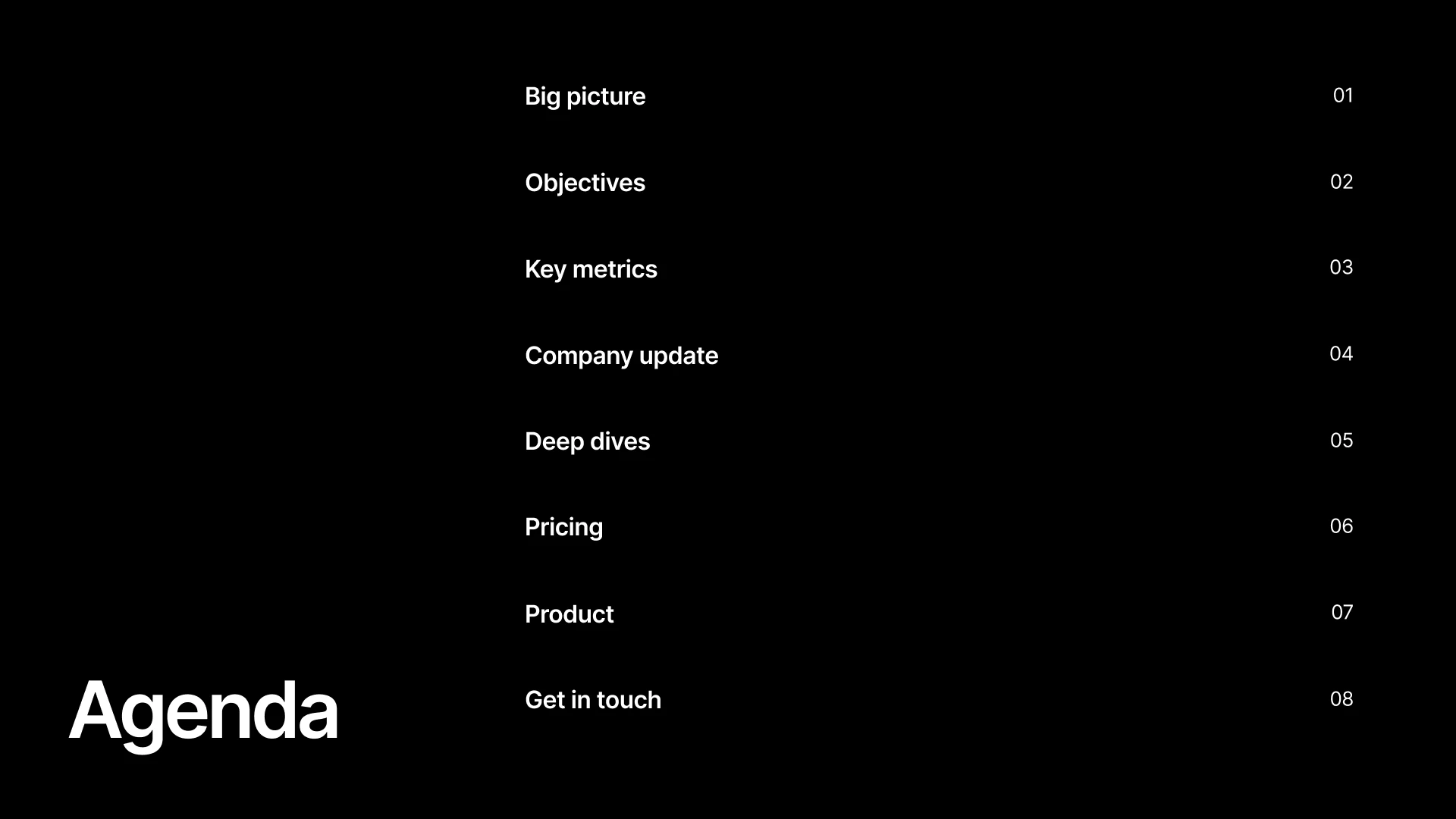
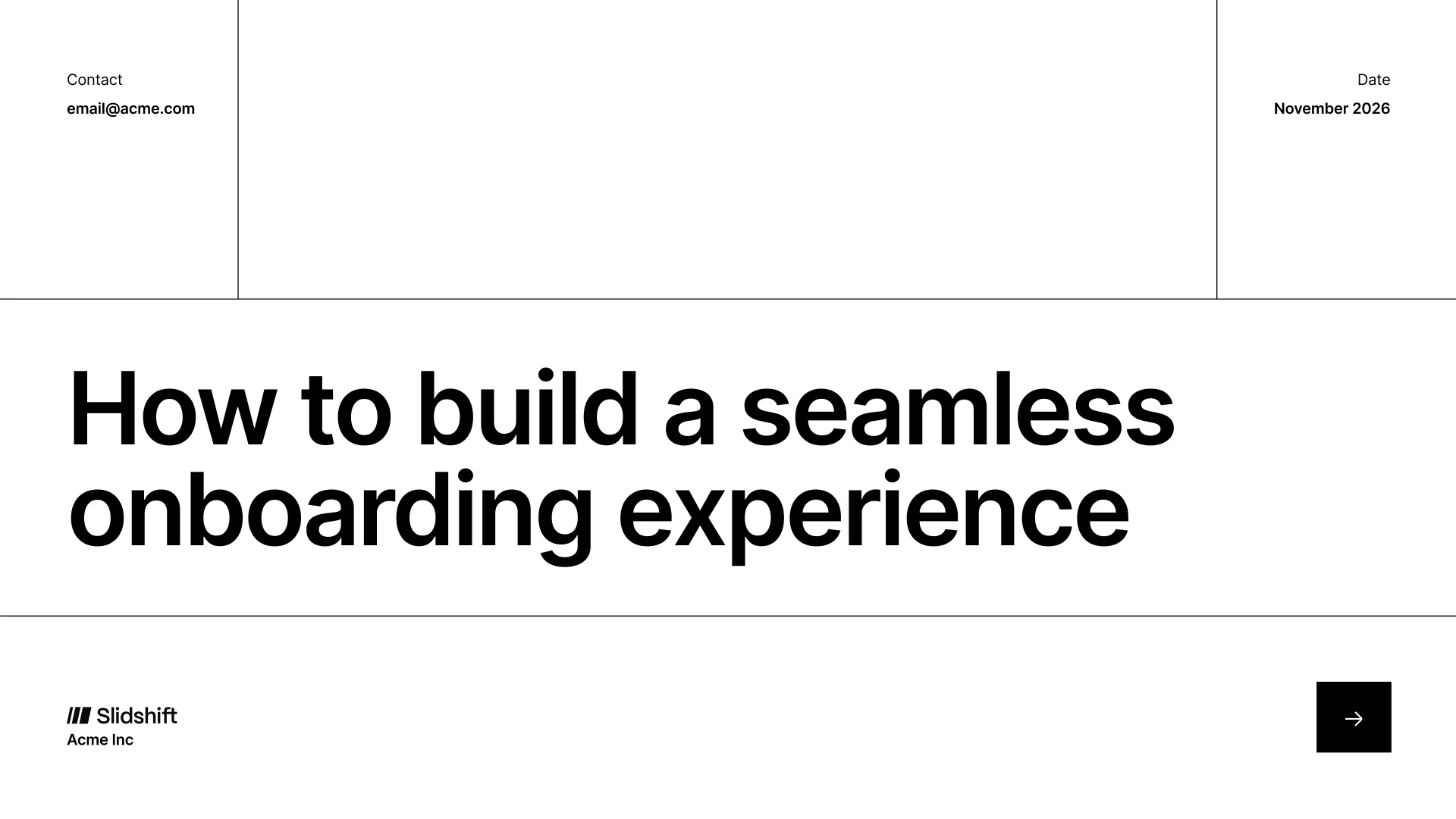
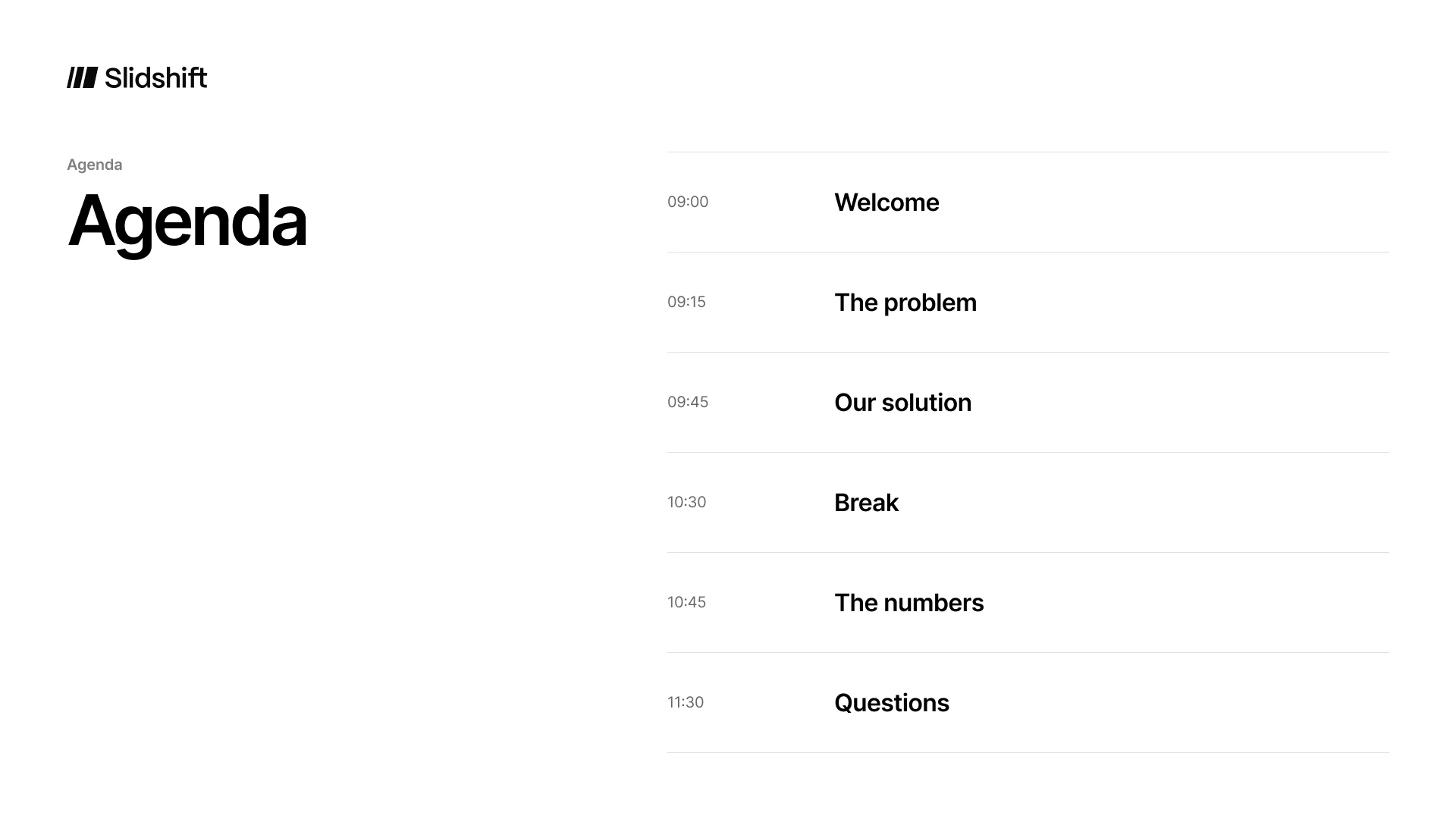
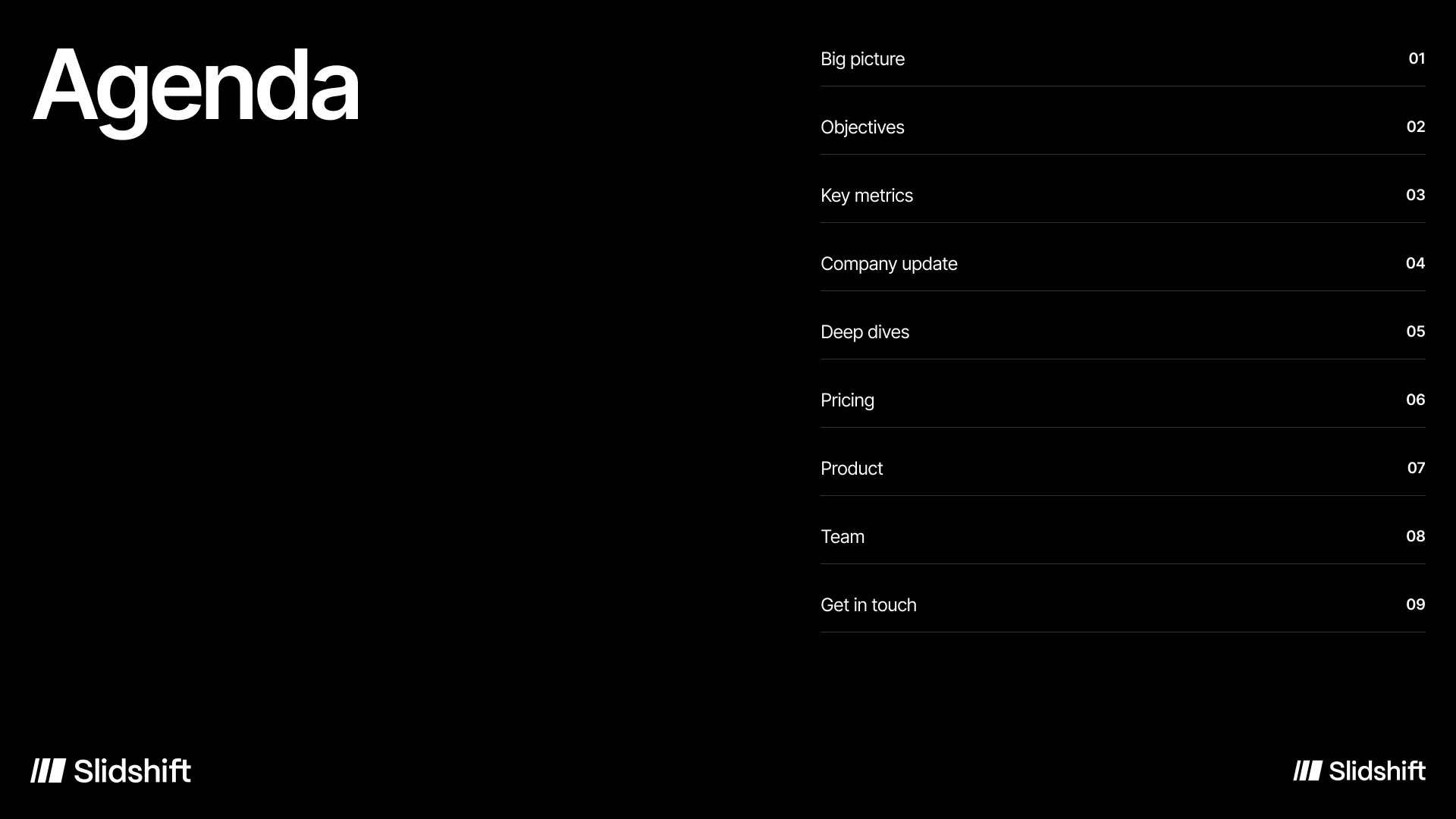
Add Slidshift to Claude, ChatGPT or Cursor in one click. It works through MCP, the standard way AI assistants use tools.
"A pitch for investors." "A proposal for this client." Your assistant writes the story, Slidshift picks the right layouts.
Download PowerPoint, open in Google Slides or Keynote, or export a PDF. Every slide stays editable.
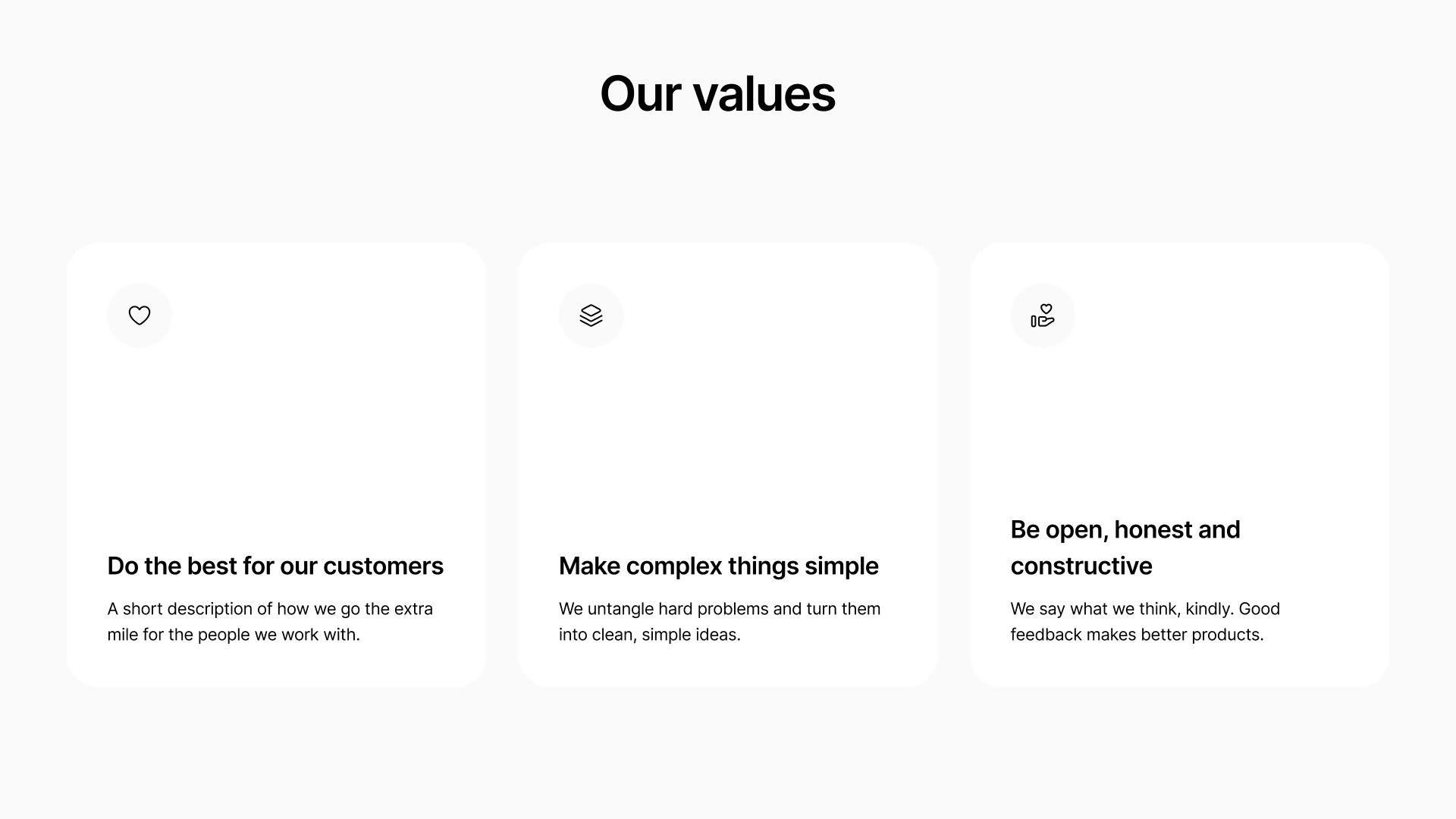
Pitch deck, proposal, report, case study and roadmap templates for PowerPoint and Google Slides, in 45 categories. Designed once by people who care about the details, so every deck you make looks like it.


Set your logo, colors and font once. Every deck comes out on brand, for everyone on the team.
PowerPoint, Google Slides, Keynote and PDF. Edit anything after, like any deck you made by hand.
Slidshift works inside Claude, ChatGPT and Cursor. No new chat app to learn, no extra AI bill.
The library keeps growing. Subscribers get every new slide the day it ships.
One brand kit, shared by sales, founders and marketing. Every deck tells the same story.
Get the full Figma and PowerPoint files with a one time purchase. No subscription needed.
Free
$0
To try it out
Pro Most popular
$15/month
For one person
Team
$49/month
Up to 10 people
The design files only, to edit by hand. No MCP or AI included.
Figma
All 905 slides, components and styles
$49
Slides
PowerPoint, Google Slides and Keynote
$69
Bundle
Figma, Slides and 3 months of Pro
$129
ChatGPT can write the outline, but on its own the slides come out plain. With Slidshift connected, you ask ChatGPT for a presentation and get a designed PowerPoint or Google Slides file in your brand, built from 905 ready slides.
Add the Slidshift connector to Claude once, then ask for the deck you need, like “a 10 slide pitch for investors”. Claude writes the story, Slidshift lays it out on designed slides and gives you a PowerPoint, Google Slides, Keynote or PDF file.
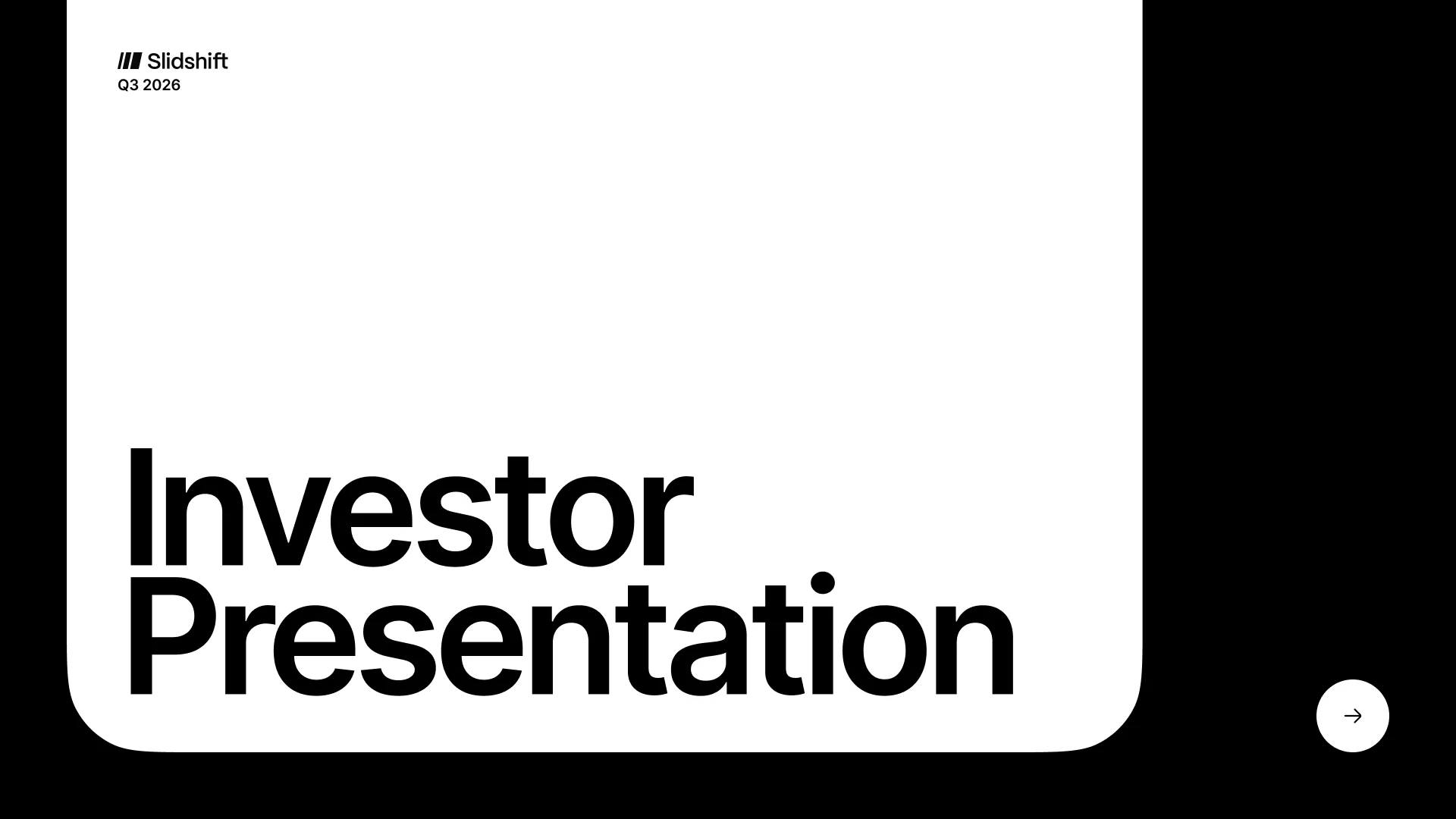
Yes. Problem, solution, market, traction, team, business model and funding slides are all in the library. Describe your company and get an investor ready pitch deck in your brand.
MCP is the standard way AI assistants like Claude and ChatGPT use outside tools. You add Slidshift once from your assistant's settings, sign in, and that's it. We will show every step in a one minute video.
Claude, ChatGPT and Cursor at launch, and any other assistant that supports MCP connectors.
Yes. You get a normal PowerPoint, Google Slides or Keynote file. Change any word, image or color.
You use the assistant you already have. Slidshift only handles the design, so there is no extra AI bill from us.
Yes. The Figma and Slides files are a one time purchase. The subscription is for making decks with your AI.
Early access opens in stages in 2027. Waitlist members get in first, with 50% off their first month of Pro.